
Plan
Add private group ideas, or use public LuciFurs events directly when creating a Round.
The field guide
Lucien's Den gives one private Telegram group a place for its own plans, a simple way to ask “what are you up to?”, and a private view of who is going.
In one minute
Add private group ideas, or use public LuciFurs events directly when creating a Round.
An administrator chooses dates and events, then posts one multi-select Round to Telegram.
Members vote in Telegram and see the private attendance list on the Round page.
One calendar, private layers
Sign in on the main Events calendar to add an event for only yourself or explicitly share it with one of your Dens. Private events appear with a lock and can be switched on or off independently from the public kind and tag filters.
For a group administrator
/calendar_setup in the group.Public LuciFurs group
The LuciFurs friends group is open for anyone to request to join. Use the public Telegram button on the Lucien's Den landing page; every request is reviewed manually in Telegram before access is granted.
Private to your Den
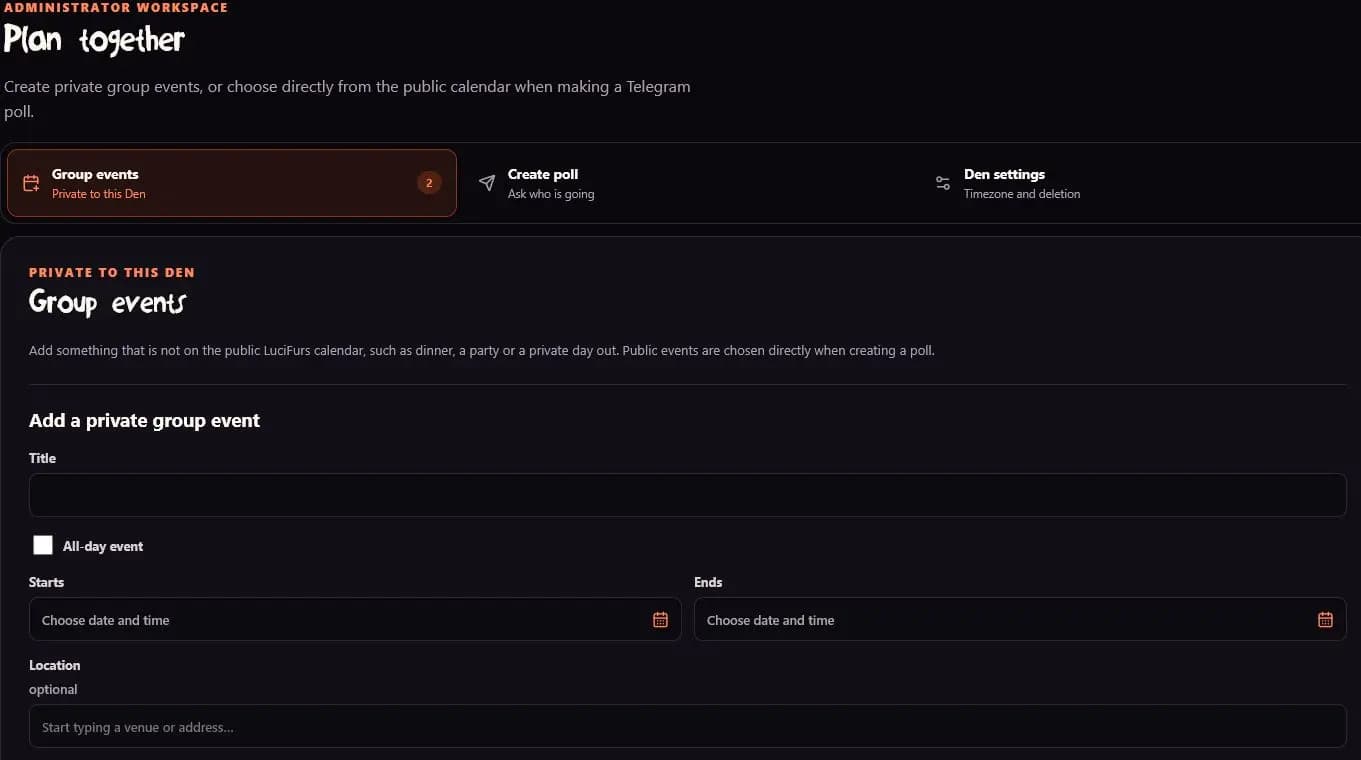
Use Group events for plans that are not on the public LuciFurs calendar, such as dinner, a film night, or a day trip. Public events are already available directly in Create poll, so there is no need to copy or shortlist them first.
Ask the group
A group administrator chooses a date range. Create poll then shows matching public calendar events and private Group events together. Use the public kind filters, then uncheck anything the group does not need.
LucifursBot posts one non-anonymous, multi-select Telegram poll. Tick every event you are going to and submit once. Telegram allows 2–12 choices per poll; the 12-choice maximum is a Telegram limitation, so narrow the filters or uncheck events when necessary.
Change your mind
You can revise your selected events in Telegram. To clear everything, open the poll menu and choose Retract Vote. Telegram then tells LuciFurs to remove all of your choices.
Use View schedule under Rounds - or the button attached to the Telegram poll - to open the private result page. It lists each event and the current members who selected it.

Private by design
Access is rechecked against current Telegram group membership.
One group cannot read another group's plans, votes, or member names.
Private plans never enter the public calendar, feeds, previews, or search metadata.
Active Den data is kept for 28 days after the latest successful access; administrators can delete it immediately.